Onsite AV Technical Support Services for Complex Events
Corporate teams outsource onsite AV technical support when a complex event needs dedicated technical oversight. Conference organizers, businesses hosting meetings or galas, and teams producing hybrid events use these services to manage sound, screens, microphones, and live connections. A technician can prepare equipment, troubleshoot problems as they happen, and help keep in-person and virtual audiences connected.
It’s natural to want the technology to work without drawing attention away from the event. But even familiar AV systems can be difficult to manage when several pieces need to work together, especially during a live hybrid conference. This article explains who typically outsources support, what technicians do before and during an event, how backup equipment fits into the plan, and what matters when choosing support for a hybrid conference. You’ll come away with a clearer picture of how experienced technical oversight can reduce disruptions and make event production easier to coordinate.
Table of Contents
Choosing AV support for complex events
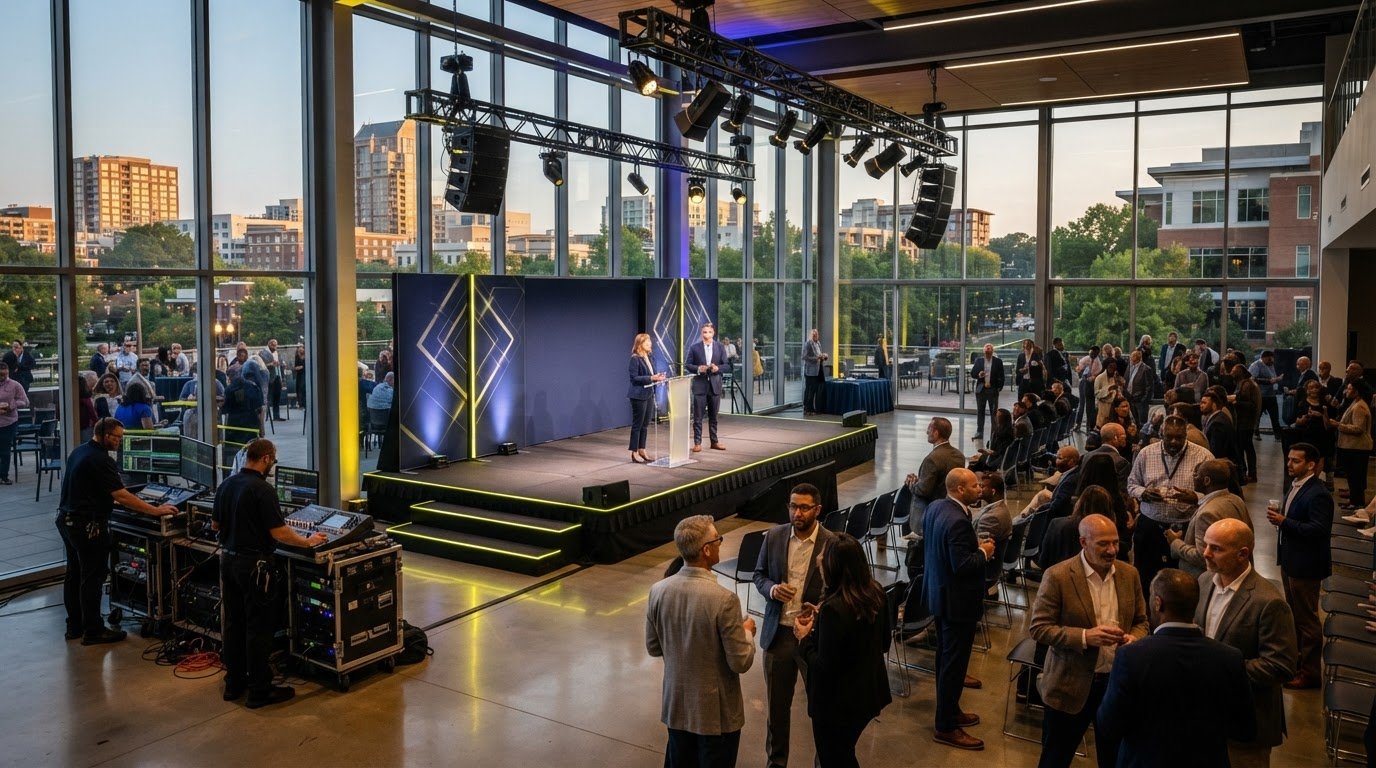
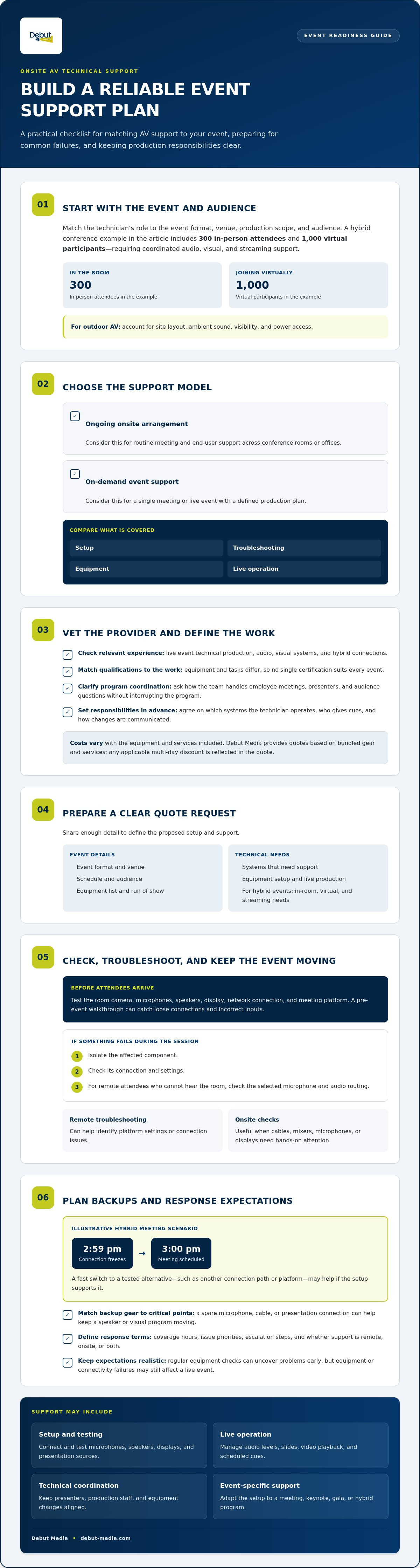
Choose support by matching the technician’s role to the event, venue, and audience. A hybrid conference with 300 in-person attendees and 1,000 virtual participants needs coordinated audio, visual, and streaming support.
Support Models and Included Services
An ongoing onsite arrangement can suit organizations that need routine meeting and end-user support across conference rooms or offices. On-demand support is a better fit for a single meeting or live event with a defined production plan. Compare what is covered, including setup, troubleshooting, equipment, and live operation. For outdoor AV, account for the site layout, ambient sound, visibility, and power access.
Provider Qualifications and Vetting
For a Raleigh event, assess local providers against the venue, production scope, and required response during the program. Look for technicians with relevant experience in live event technical production, audio, visual systems, and hybrid connections. Qualifications should match the equipment and tasks involved; no single certification suits every event. Ask how the team handles employee meetings, presenters, and audience questions without interrupting the program.
Rates and Service Call Fees
Support costs vary with the equipment and services included in the event plan. Debut Media provides transparent quotes based on bundled gear and services, with any applicable multi-day discount reflected in the quote. Share the venue, event format, and technical requirements to get a clear picture of the proposed setup and support.
Preparing an AV Support Quote Request
When requesting a quote, describe the event format, venue, schedule, and audience, along with the systems that need support. Explain whether the event needs equipment setup and live production support. For hybrid events, outline the in-room and virtual experience, including streaming needs. An equipment list and run of show help define the work. AV systems may be easier to use than they once were, but they can still present challenges when multiple components must work together. Onsite support can help manage disruptions, though equipment or connectivity failures may still affect a live event.
Real-time troubleshooting and backup equipment
A live conference can lose momentum if a video connection freezes or a microphone stops working. A clear troubleshooting process helps identify the fault and restore the event’s audio or visuals.
Troubleshooting and Repairs
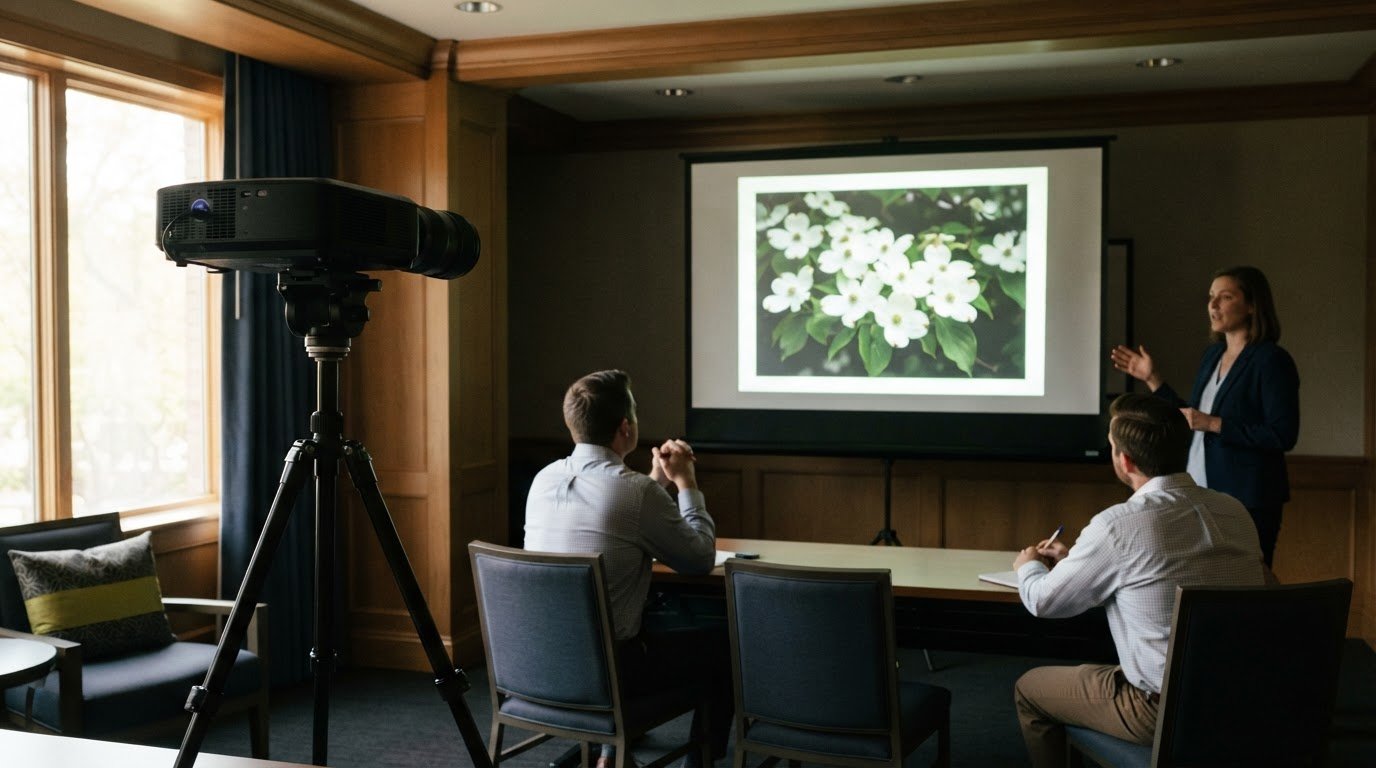
For video conferencing, test the room camera, microphones, speakers, display, network connection, and meeting platform before attendees arrive. If an issue comes up during the session, isolate the affected component, then check its connection and settings. For example, if remote participants can’t hear the room, first check the selected microphone and audio routing.
Remote troubleshooting can help identify platform settings or connection issues. Onsite checks are useful when cables, mixers, microphones, or displays need hands-on attention. A pre-event walkthrough can catch loose connections and incorrect inputs, helping the technician focus on the specific problem without disrupting the whole setup.
Backup Equipment and Response Times
Match backup equipment to the event’s critical points. A spare microphone, cable, or presentation connection can help keep a speaker or visual program moving if the original fails. For a hybrid meeting scheduled for 3:00 pm, a connection freezing at 2:59 pm calls for a fast switch to a tested alternative, such as another connection path or platform, if the setup supports it.
Response times and service-level agreements vary by provider and support arrangement. The agreement should define coverage hours, how issues are prioritized, escalation steps, and whether support is remote, onsite, or both. Clear terms help organizers know who handles a fault and how it is addressed. For event-specific support, event tech support can be part of the production plan.
Regular equipment checks can help uncover problems before an event begins. For a conference or meeting, a technician can inspect the planned AV setup and connections as part of preparation.
What onsite AV technical support services are typically included?
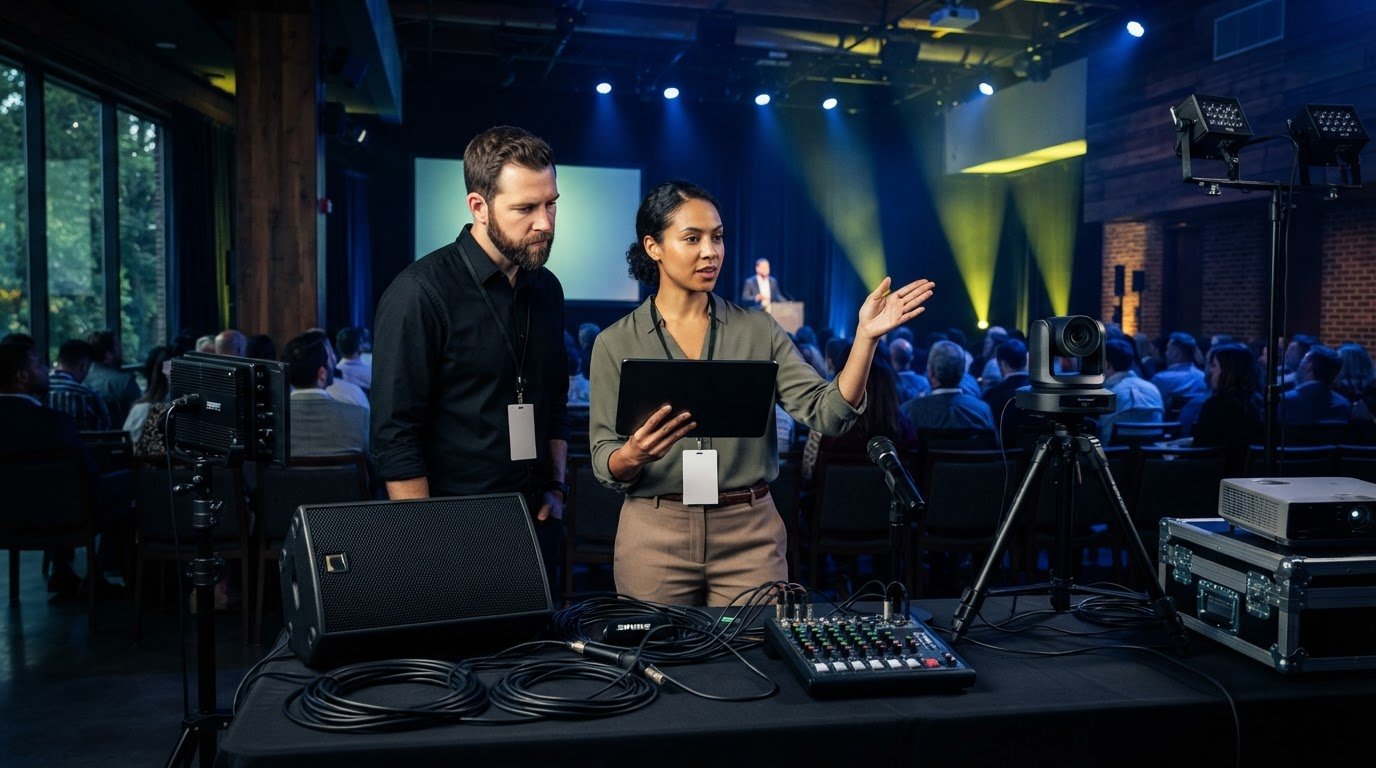
Onsite AV technical support services can include equipment preparation, live operation, and technical coordination. For a corporate presentation, a technician can check the signal path from the presenter’s laptop to the display and balance room audio before attendees arrive.
During the event, support focuses on the equipment and tasks included in the production plan. A technician may operate audio mixing equipment, manage microphone handoffs, monitor presentation playback, and coordinate cues with speakers. For a hybrid session, support can also include managing the in-room sound and the audio feed for remote attendees.
Setup and testing: Connect and test microphones, speakers, displays, and presentation sources.
Live operation: Manage audio levels, slides, video playback, and scheduled cues.
Technical coordination: Keep presenters, production staff, and equipment changes aligned.
Event-specific support: Adapt the setup to a meeting, keynote, gala, or hybrid program.
The scope depends on the event plan. A keynote with several presenters may need microphone coordination and slide changes; a streamed conference also calls for attention to the remote audience’s audio and video experience. Define responsibilities in advance to avoid gaps, such as assuming a presenter will manage playback while the technician is focused on sound.
Before the event, clarify which systems the technician will operate, who gives cues, and how changes will be communicated. A concise run of show can list presentations, speakers, and media transitions so the technical work stays aligned with the program.
Debut Media AV and Production: Audio Visual Services
Debut Media provides corporate event AV services, bringing sound, video, lighting, and equipment support together for meetings, conferences, and galas. Turn to the team when your event needs coordinated AV production, rather than equipment rental alone.
Debut Media’s Audio Visual Services and AV Corporate Event Production Services can support sound and visual needs. Projector and Screen Rentals help prepare presentations, while Speaker and Microphone Rental can support programs with presenters or audience participation. Share the event format, venue, and technical requirements to shape an AV plan around the program.
When your event needs equipment and technical support aligned with its run of show, Debut Media can help. Contact the team to discuss your event’s AV needs.
Plan Your Next Event with Confidence
Bring technical decisions into the planning process early, while the event format and production needs are taking shape. A clear brief for onsite AV technical support services helps align the setup with the program, venue, presenters, and audience.
Before reaching out, outline the event’s goals and where technical coordination would make the biggest difference. This gives the conversation a practical starting point and helps shape support around the event without adding unnecessary complexity.
Debut Media provides Audio Visual Services, Projector and Screen Rentals, and AV Corporate Event Production Services for corporate events in Raleigh, Durham, Chapel Hill, and surrounding areas. Contact the team to discuss how these services can support your production.
With a thoughtful plan in place, you can focus on delivering an event your audience can follow and enjoy.
Frequently Asked Questions
What AV issues can onsite technicians troubleshoot and repair?
Onsite technicians can troubleshoot issues such as audio feedback, a display showing no signal, uneven room sound, or presentation playback problems. They can trace the issue to a setting, connection, or equipment fault, then adjust the setup or use a practical workaround. For events in Raleigh, Durham, and Chapel Hill, tell Debut Media which equipment is affected and describe the symptoms so the team can plan support around the disruption.