Tripod Screen Rental for Raleigh Breakout Rooms
A reliable breakout-room presentation doesn't need a complicated screen setup. A tripod screen rental for breakout rooms can provide a portable viewing surface, and a 100-inch tripod projection screen is suitable for meetings with up to 35 people.
That gives planners a useful starting point, but room layout, viewing distance, and presentation format also determine whether a screen fits the job. A screen that works in a small discussion space may not suit a larger room or viewers seated farther away.
This guide explains how tripod screens fit breakout rooms, what to consider in larger spaces, and how they support meetings and presentations. You’ll learn when a portable screen may be a practical option and how projector-and-screen rentals can fit into a coordinated AV setup, making the technical details easier to plan.
Table of Contents
Portable, quick-setup projection screens
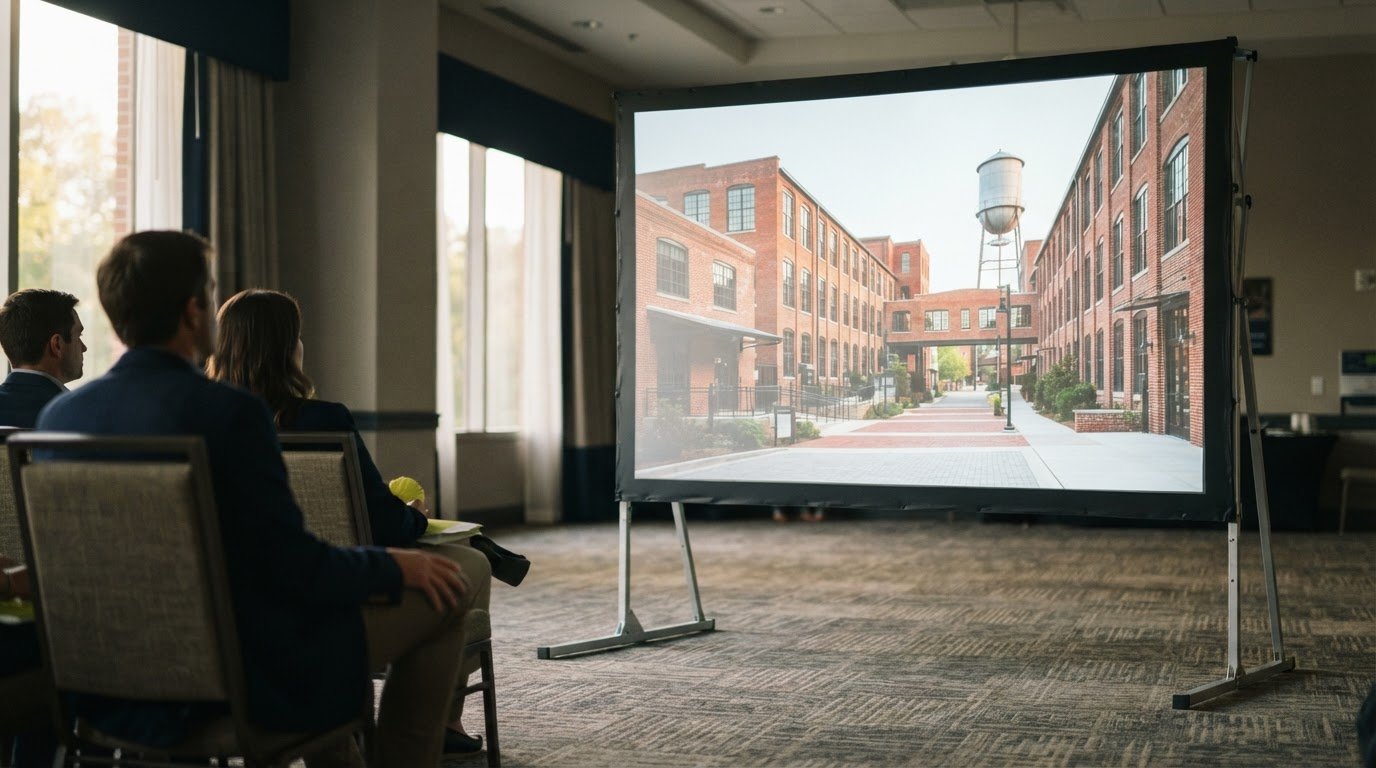
A 100-inch tripod screen offers a portable option for presentations in Raleigh breakout rooms. Its folded dimensions make transport and room placement practical planning considerations.
Portable Screen Setup
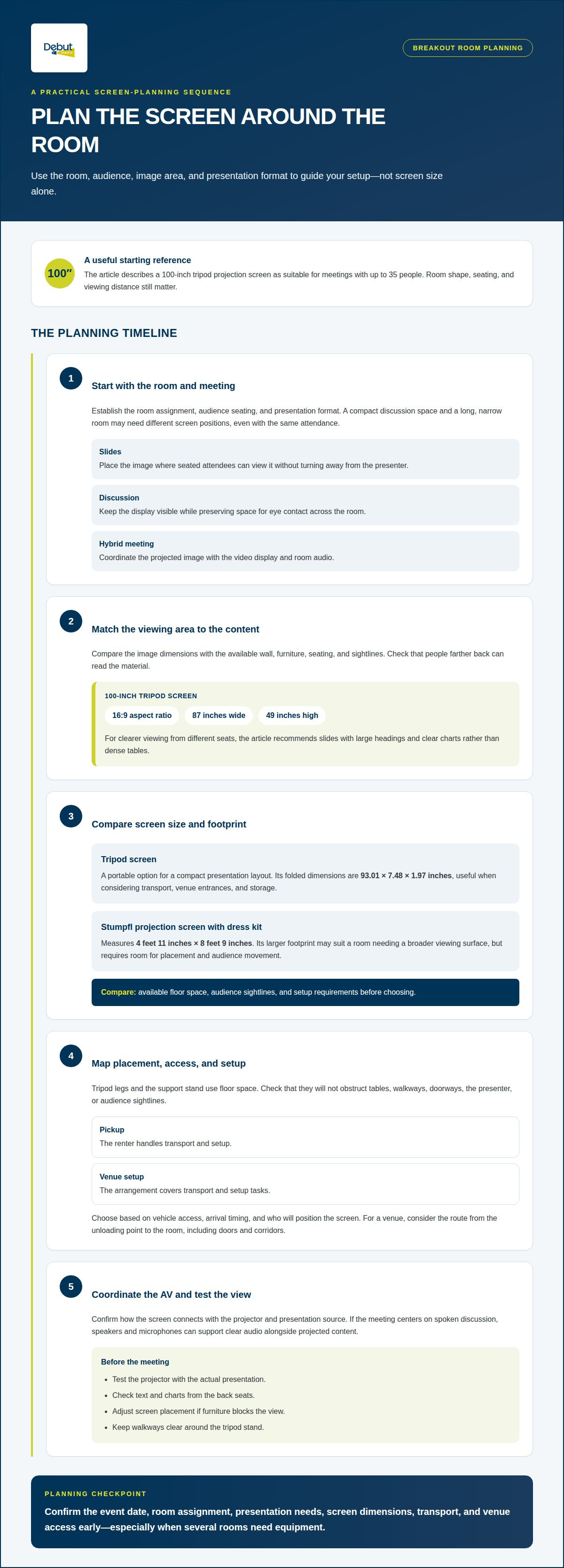
The 100-inch screen folds to 93.01 inches by 7.48 inches by 1.97 inches. That compact profile helps planners assess whether it can travel through venue entrances and fit in a storage area. Setup generally means positioning the tripod, extending its support, and raising the screen. For technical support, confirm how the screen connects with the projector and presentation source.
Pickup and Venue Setup Options
With pickup, the renter handles transport and setup; a venue setup arrangement covers those tasks for you. The right approach depends on vehicle access, arrival timing, and who will position the screen before the meeting. At a Raleigh venue, plan the route from the unloading point to the breakout room, including doors and corridors.
Tripod or Fast-Fold Screen Selection
Should you rent a tripod screen or a fast-fold screen for a breakout room? A tripod screen suits a portable presentation setup, while a fast-fold screen may fit a room that needs a larger display. Compare floor space, audience sightlines, and setup requirements. A tripod screen rental for breakout rooms is a practical starting point for a compact presentation layout.
Finding Nearby Tripod Screen Rentals
Where can you rent tripod projection screens near you? In Raleigh, Debut Media offers projector and screen rentals as part of its corporate event AV services. Share the room layout and presentation needs to plan a setup that fits the space. These details help determine whether a portable tripod screen is suitable and where it can be positioned.
Tripod screen sizes for breakout rooms and larger spaces
Match screen dimensions to the room layout, audience position, and presentation content. The 100-inch tripod projection screen has a 16:9 aspect ratio and a viewing area measuring 87 inches wide by 49 inches high. That gives planners a specific image area to compare with the available wall, furniture, and sightlines.
For a larger presentation setup, compare those dimensions with a Stumpfl projection screen with dress kit, which measures 4 feet 11 inches by 8 feet 9 inches. The larger footprint may suit a room that needs a broader viewing surface, but it also requires space for placement and audience movement. Screen choice should account for both image size and room geometry.
What are common risks or limitations of using tripod screens in breakout rooms? A tripod’s legs and support stand take up floor space, which can conflict with tables, walkways, or the presenter’s position. Poor placement can obstruct sightlines, so account for seating and traffic paths before choosing a screen location.
Plan the screen rental once the event date, room assignment, and presentation needs are established. Early planning leaves time to account for screen dimensions, transport, and venue access, especially when several rooms need equipment.
For a tripod screen rental for breakout rooms, first match the viewing area to the content and seating layout. Measure the proposed screen position and make sure the stand won’t block a doorway or aisle. These steps help you decide between a compact tripod setup and a larger-screen arrangement.
Tripod screens for meetings and presentations
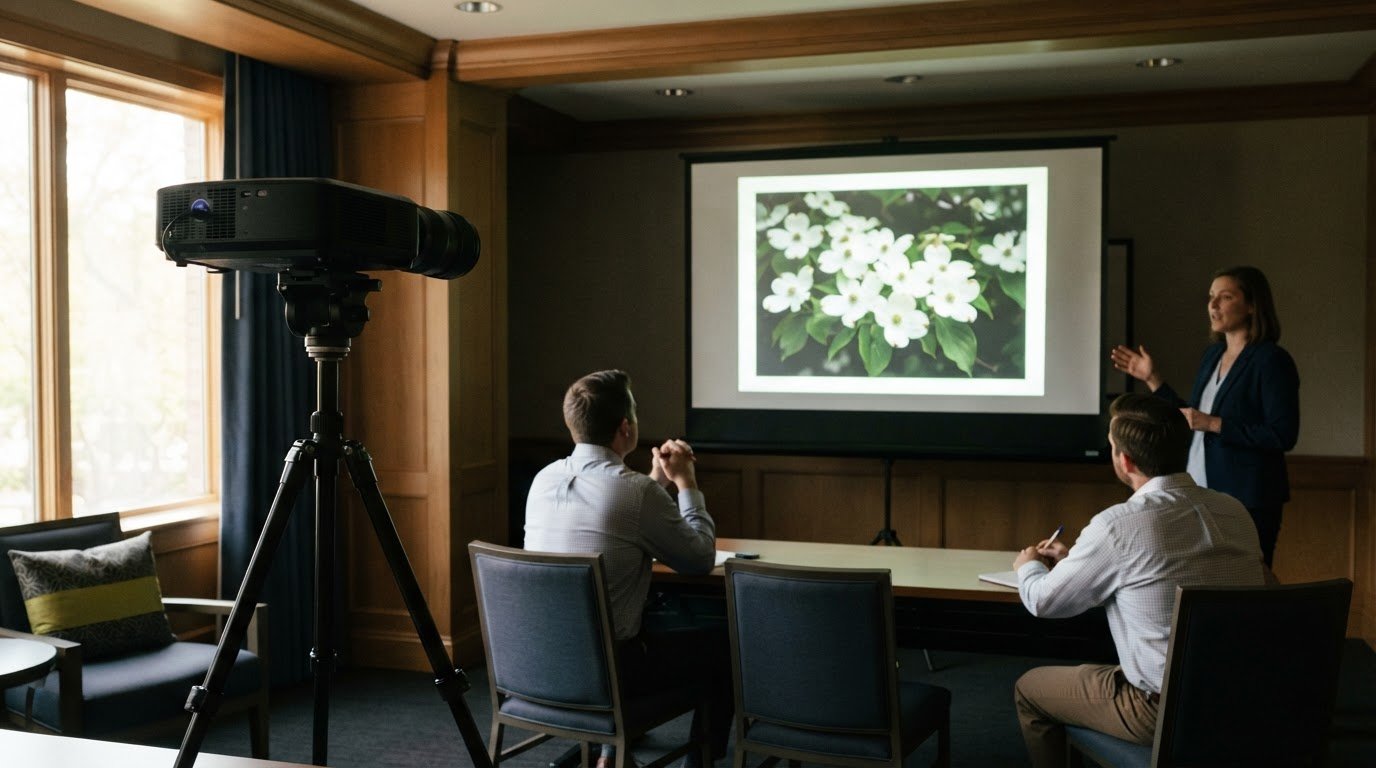
A tripod screen gives a meeting a clear visual focal point. It can display a presentation, agenda, or spreadsheet without relying on a permanent display. In a Raleigh breakout room, align the screen with the presenter and arrange seating so attendees can see the image clearly.
The 100-inch tripod projection screen is described as suitable for meetings with up to 35 people. That’s a useful planning reference, not a substitute for considering room shape. A long, narrow room may need different seating and screen placement than a compact boardroom, even with the same attendance.
Match the presentation format to the screen and projector setup. Slides with large headings and clear charts are easier to follow from different seats than dense tables. Position the screen so the presenter can advance slides without blocking the image, and keep walkways clear around the tripod stand.
For a slide presentation: Place the screen where seated attendees can view it without turning away from the presenter.
For a discussion: Keep the display visible while preserving space for eye contact across the room.
For a hybrid meeting: Coordinate the projected image with the video display and room audio.
Before the meeting begins, test the projector image with the actual presentation. Check that text and charts remain readable from the back seats, then adjust placement if furniture blocks the view. A coordinated projector and screen rental can help align the display with the room’s presentation needs.
Debut Media AV and Production: Projector and Screen Rentals
Debut Media provides projector and screen rentals for breakout-room presentations. This is a practical fit when you want the display coordinated with the room’s meeting setup rather than treating screen selection as a separate task.
For a presentation centered on spoken discussion, speaker and microphone rentals can support clear audio alongside projected content. Dynamic lighting can also shape the room’s look and distinguish the presentation area. The right combination depends on the room layout, presentation format, and equipment needed.
Share your room setup and presentation needs with Debut Media AV and Production to discuss a suitable AV arrangement.
Plan the Next Step With Confidence
Use your room plan to prepare a clear AV brief. Note the presentation format, audience seating, and any constraints that affect equipment placement. A tripod screen rental for breakout rooms is one part of the plan, along with how presenters will share content and communicate with attendees.
Clear details help align the equipment with the meeting’s purpose and reduce last-minute decisions. If the agenda or room assignment changes, revisit the setup so the presentation remains practical for the space and audience. Debut Media AV and Production can help you move from those requirements to a coordinated AV plan.
With a thoughtful plan in place, you can focus on a productive meeting and confident presentations.
Frequently Asked Questions
What is a tripod projection screen rental and what sizes are available?
A tripod projection screen rental is temporary use of a freestanding screen for projected content. A 100-inch tripod screen is one size reference for planning. Larger fast-fold screen formats are a separate option, with market listings including 144-inch, 150-inch, and 220-inch models. Choose a format based on the room and the viewing area your presentation needs.
What screen size is suitable for a breakout room based on audience size and viewing distance?
A 100-inch tripod screen is described as suitable for meetings with up to 35 people. Audience count alone doesn’t determine fit: viewing distance, room shape, and where attendees sit also matter. For example, dense charts may need closer viewing than a presentation with large images. Consider the farthest seat and keep the screen visible from that position.
What equipment is needed with a rented tripod screen, such as a projector or cables?
A screen displays an image, so projected slides also require a projector and a presentation source. The connection cable depends on the projector and the device presenting the content. Before the meeting, identify whether you’ll use a laptop or another device, and plan separately for any audio needs. Projector and screen rentals bring the display equipment together.
How do delivery, setup, pickup, and rental periods work for tripod screens?
Equipment setup and removal are planned around the event and venue logistics. For a Raleigh meeting, provide the event schedule, room assignment, venue access details, and when equipment must be cleared. These details help shape a workable plan without assuming every venue has the same loading access or room turnover schedule.
What venue requirements should I check before setting up a tripod screen?
Check for a clear screen position, accessible power for the projection setup, and sightlines from the planned seats. Consider doors, aisles, tables, and presenter movement so the tripod stand doesn’t obstruct the room. A venue diagram or room layout can help identify placement constraints early, whether your meeting is in Raleigh, Durham, or Chapel Hill.