Planning Your Next Corporate Event? Here's Your AV Essentials Checklist
Updated: Nov 14

Planning an event involves many moving parts, and audio visual (AV) elements are crucial for ensuring a seamless experience. Whether it's a corporate conference, a wedding, or a trade show, having the right AV setup can make a significant difference. Here's a comprehensive checklist of AV Essentials for Corporate Events.
1. Define Your Audio Visual Needs
Start by understanding the specific AV requirements of your event. Consider the following:
Type of Event: Is it a conference, seminar, gala, or concert?
Audience Size: How many attendees are expected?
Venue Layout: What is the size and shape of the venue?
Presentation Materials: Will there be slides, videos, or live demonstrations?
Technical Complexity: Will you need multiple microphones, cameras, or special effects?
2. Sound System
A clear and reliable sound system is critical for any corporate event. Ensure you have:
Microphones: Choose between handheld, lapel, or headset microphones based on the speakers' needs.
Speakers: Ensure adequate coverage for the entire audience. Consider using additional speakers for larger venues.
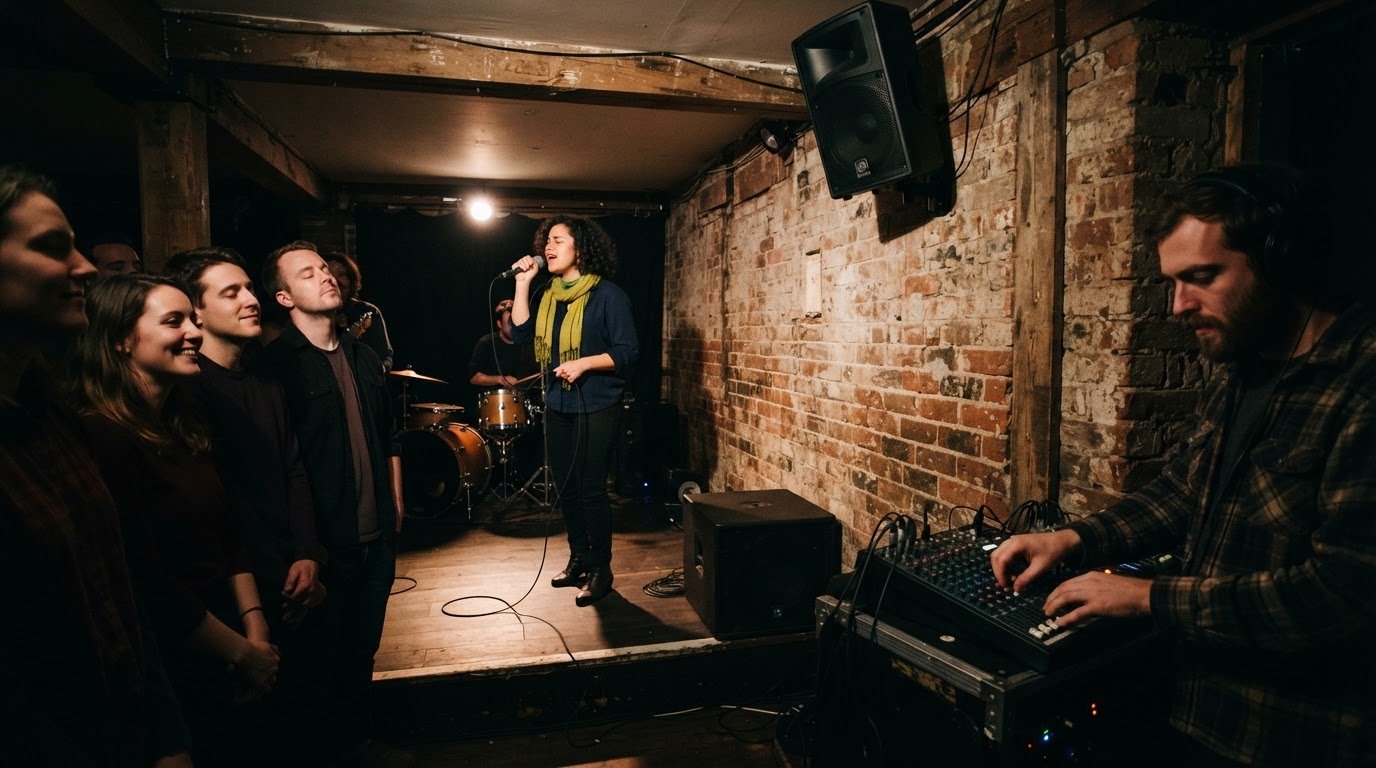
Mixing Console: A mixing console allows you to control audio levels and balance sound sources.
Audio Cables: Ensure you have all necessary cables and backups.
3. Visual Displays
Visual elements enhance the audience's experience. Consider the following:
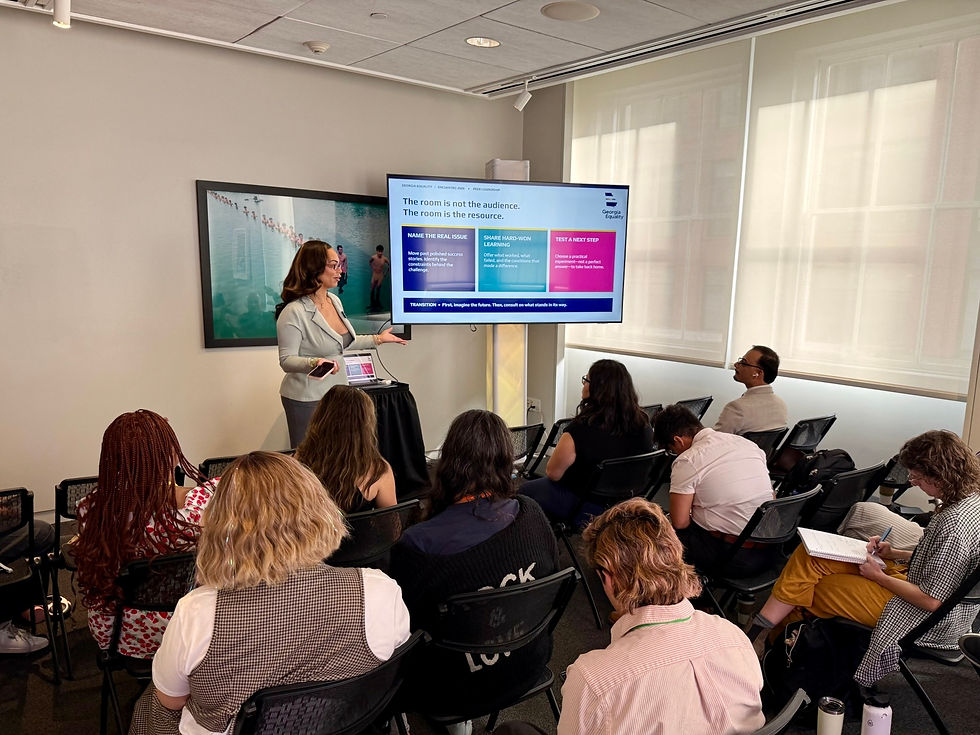
Projectors and Screens: Choose the right size and resolution for your event. Ensure the screen is visible from all angles.
LED Screens: For larger events, LED screens offer high-quality visuals.
Laptops and Media Players: Ensure you have reliable devices to play presentations and videos.
Backup Equipment: Always have spare projectors, screens, and cables.
4. Lighting
Proper lighting sets the mood and highlights key elements of your event. Plan for:
Stage Lighting: Use spotlights and wash lights to highlight speakers and performers.
Ambient Lighting: Create the desired atmosphere with colored and decorative lighting.
Control Panel: Ensure you have a control panel to adjust lighting as needed.
Backup Lighting: Have extra bulbs and fixtures on hand in case of failures.
5. Internet and Connectivity
In today's digital age, internet access is essential. Ensure you have:
Wi-Fi: Provide reliable Wi-Fi for both presenters and attendees.
Ethernet Cables: Use wired connections for stable internet access, especially for streaming.
Hotspots: Have portable hotspots as backups.
6. Recording and Streaming
Capture and share your event with a wider audience. Plan for:
Cameras: Choose cameras based on the quality and angles needed. Consider using multiple cameras for different perspectives.
Recording Equipment: Ensure you have devices to record audio and video.
Streaming Services: Choose a platform for live streaming your event. Ensure you have the necessary software and internet bandwidth.
7. Setup and Testing
Ensure everything runs smoothly by following these steps:
Equipment Setup: Arrive early to set up all audio visual equipment. Ensure everything is positioned correctly.
Sound Check: Test all microphones and speakers to ensure clear audio.
Visual Check: Test projectors, screens, and lighting to ensure everything is functioning properly.
Rehearsal: Conduct a full rehearsal with speakers and performers to identify any issues.
8. On-Site Support
Having a dedicated audio visual team on-site can make a significant difference. Ensure you have:
Technical Support: Have technicians available to troubleshoot any issues during the event.
AV Coordinator: Assign a person to oversee all AV operations and coordinate with the event planner.
By following this checklist, you can ensure that your event's AV setup is flawless, providing a seamless and memorable experience for your audience. Happy planning! 🎉