Streaming Equipment for Hybrid Conferences: What You Need
What if the camera isn’t the reason remote attendees miss the moment? A hybrid conference can have capable video gear and still leave people online struggling to hear a speaker or follow a presentation. The difference is how the streaming equipment for hybrid conferences works together: microphones and mixing deliver clear audio, cameras capture the room, and a reliable network carries the program to remote viewers.
This guide covers the essential equipment and how each part connects, from microphones and cameras to production tools and internet access. You’ll also learn how to plan for audience interaction, assign technical roles, and avoid treating equipment as a disconnected shopping list. For conferences in Raleigh, Durham, and Chapel Hill, coordinated AV production and on-site technical support can bring those moving parts together for a clearer experience for both audiences.
Table of Contents
How streaming equipment connects a hybrid conference to remote attendees
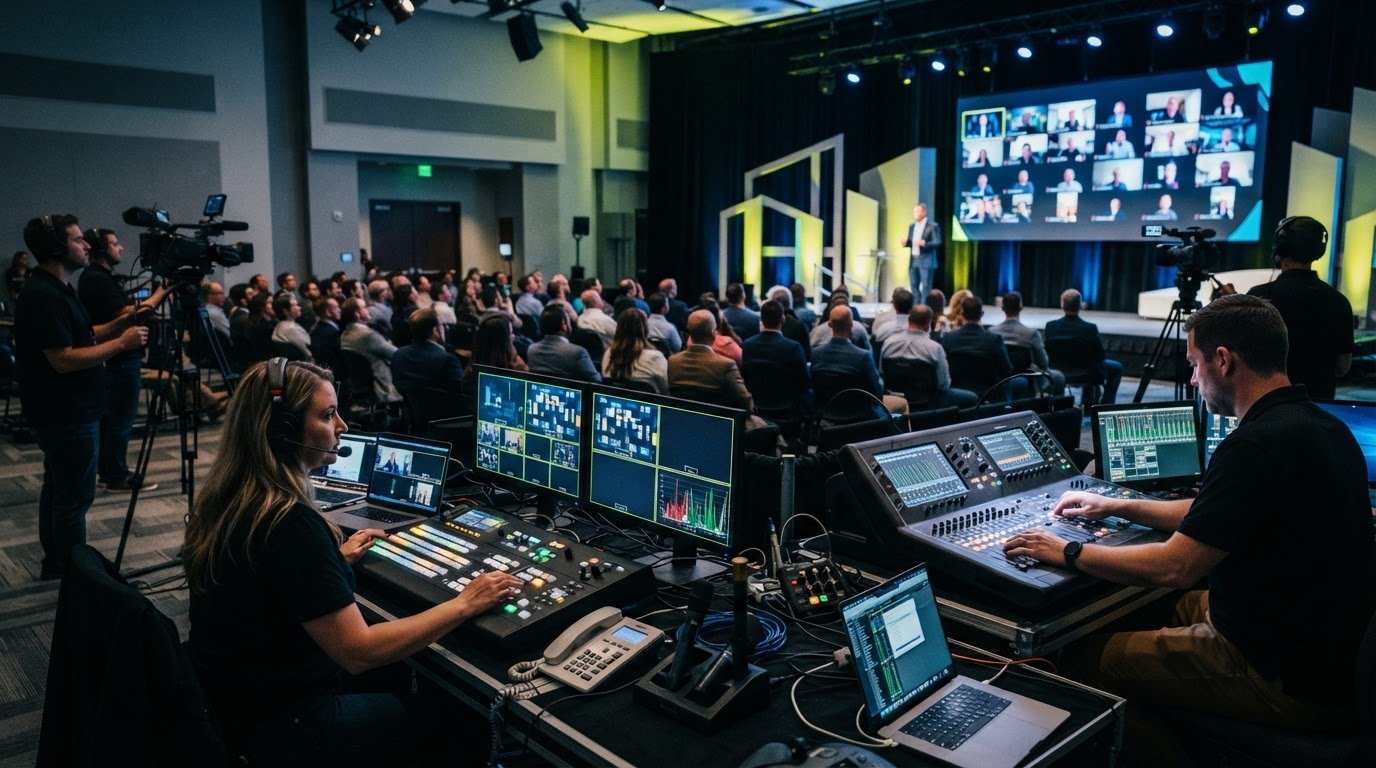
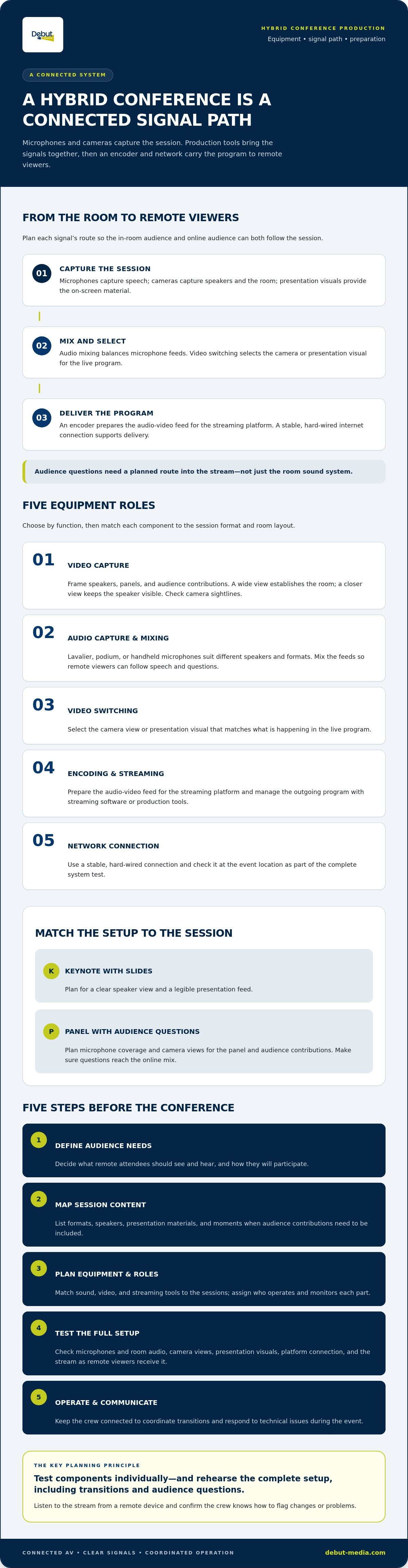
Streaming equipment captures conference content, combines the essential signals, and delivers them to remote viewers through a streaming platform. Think of it as a connected route, not a collection of separate devices. Microphones capture speech, cameras capture speakers and the room, and production equipment brings those feeds together before the program goes online. The exact setup depends on the session format, room layout, visual content, and how remote attendees will participate. A keynote with slides has different needs from a panel that includes questions from the room.
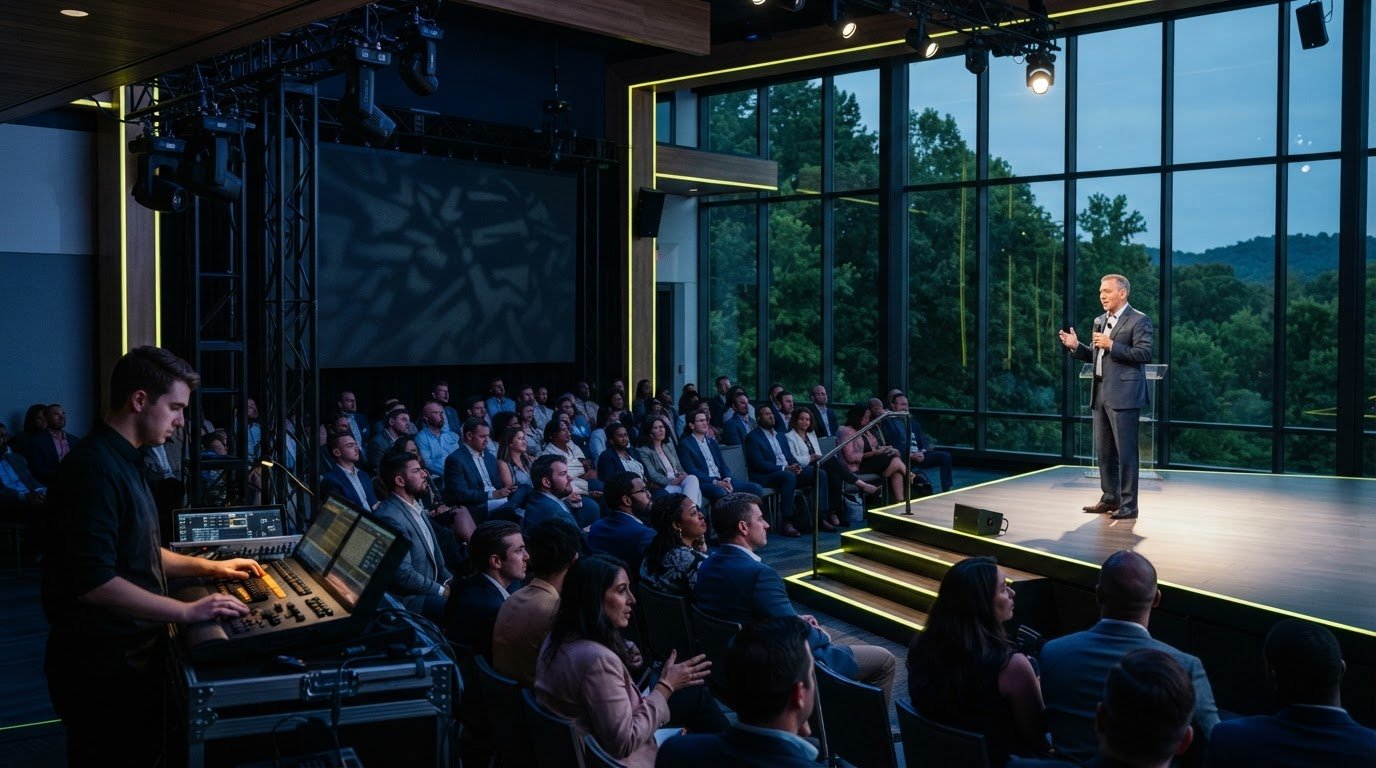
A Hybrid event serves people in the room and online, but the two audiences receive the session differently. In-person attendees see the stage and hear the room’s sound system. Remote viewers rely on the selected camera feeds, a clear audio mix, and the online stream. Plan how each signal reaches each audience so presentations and audience contributions remain part of the experience.
Why hybrid conferences need a clear signal path
The signal path is the route that audio and video take from their sources through production equipment to the room and the streaming platform. A speaker’s microphone may feed both the room’s sound system and the stream mix, while a camera feed is selected for online viewers and presentation visuals are added to the program. Audience questions need deliberate handling too: a question heard in the room may not reach remote attendees unless it’s picked up and included in the stream. Map these routes in advance so the production team knows what each audience should see and hear.
That plan guides the choice of streaming equipment for hybrid conferences. Microphones, cameras, audio mixing, video switching, and streaming tools each have a role, but their value comes from working together. Coordinated AV production connects those components in one operating plan.
Which streaming equipment does a hybrid conference need?
Choose equipment by function, then match it to the sessions. A keynote with slides needs a clear speaker view and presentation feed. A panel with audience questions also needs microphones and camera coverage that capture discussion around the room. A practical equipment plan may include:
Video capture: Cameras frame speakers, panels, and audience contributions. A wide view can establish the room, while a closer view keeps the speaker visible. Check sightlines so cameras aren’t blocked by people or equipment.
Audio capture and mixing: Lavalier, podium, or handheld microphones suit different speakers and formats. Audio mixing equipment balances microphone feeds so remote viewers can follow speech and questions. Plan how audience questions will reach the stream, not just the room sound system.
Video switching: Switching equipment selects which camera or presentation visual appears in the live program, keeping the stream aligned with what’s happening.
Encoding and streaming: An encoder prepares an audio-video feed for delivery to a streaming platform. Streaming software or production tools manage the outgoing program.
Network connection: A stable, hard-wired internet connection supports delivery of the live stream. Check the connection at the event location as part of the complete system test.
What cameras, microphones, mixers, and streaming tools do
Plan for more than the speaker alone. A presentation may need both a speaker view and legible slides; a panel may benefit from camera shots that make each speaker easy to follow. Choose microphones to suit how people speak and move, and make sure audience questions can enter the online mix. The mixer balances those sources, while the switching and streaming tools shape and send the program. Give each component a defined job to avoid adding equipment that doesn’t serve the session.
For a coordinated setup, hybrid conference production support brings equipment rental, technical setup, and live operation together around the event’s format.
How to prepare and coordinate hybrid conference streaming in the Triangle
A clear production sequence keeps planning focused and gives the technical team a practical picture of the event’s needs. Work through these steps before the conference:
Define audience needs. Decide what remote attendees should see and hear, and whether they’ll participate through questions or other interaction.
Map session content. List the formats, speakers, presentation materials, and moments when audience contributions need to be included.
Plan equipment and roles. Match sound, video, and streaming tools to the sessions, then assign responsibility for operating and monitoring each part.
Test the full setup. Check microphones and room audio, camera views and presentation visuals, the platform connection, and how the complete stream reaches remote viewers.
Operate and communicate. During the event, keep the crew connected so they can coordinate transitions and respond to technical issues as they arise.
From event plan to live stream: what to coordinate
Testing components individually is useful, but rehearse the full setup as well. Run through a session transition, display presentation material, listen to the stream from a remote device, and confirm the crew knows how to flag changes or problems. Pay particular attention to the move from prepared remarks to audience questions, when the audio and camera plan may need to change.
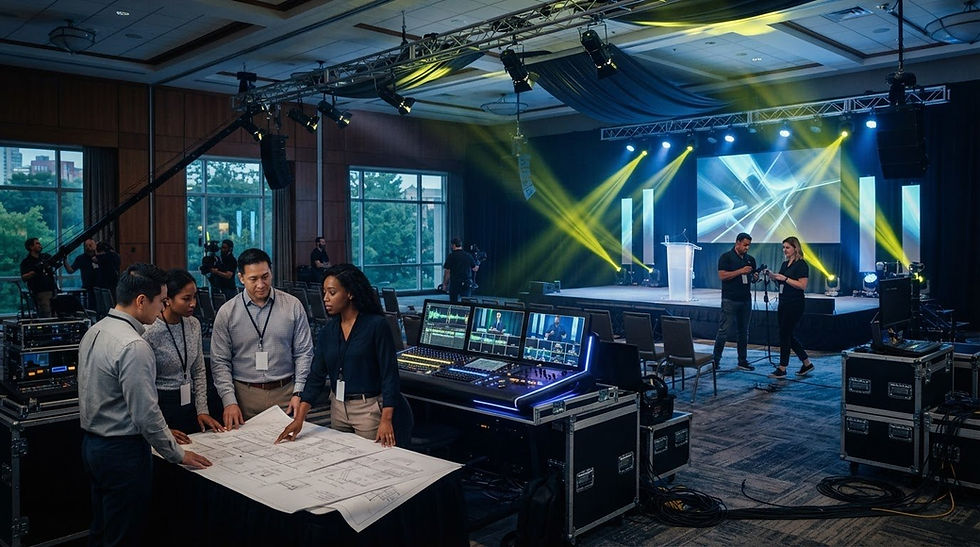
Live production involves linked tasks: room audio, video switching, streaming, and troubleshooting. A coordinated technical team can manage them as one workflow, rather than leaving speakers or organizers to bridge gaps during the program. For Triangle conferences, Debut Media AV and Production provides hybrid event production, equipment rental, and on-site technical support. Explore hybrid event production support.
Make the next step a connected production plan
Bring the streaming plan into conference planning early, while session formats and audience needs are taking shape. Decide what remote participants should be able to follow and contribute to. Those priorities give each technical decision a purpose and help keep the online experience from becoming an afterthought.
Select streaming equipment for hybrid conferences around those goals, so the production plan supports the program instead of adding disconnected tasks. Debut Media provides hybrid event production and live streaming for corporate conferences, with equipment rental and technical support across Raleigh, Durham, and Chapel Hill. The team handles setup, on-site operation, and equipment strike, giving your team more room to focus on the event itself.
A clear plan is a strong start. Connect both audiences at your next hybrid conference with coordinated production support.
Frequently Asked Questions
What equipment is essential for streaming a hybrid conference?
Plan for equipment that captures the session, prepares its audio and video, and sends the program to the streaming platform. The right streaming equipment for hybrid conferences depends on what viewers need to follow. For a keynote, include the presentation feed as well as the speaker. Otherwise, remote viewers may hear the talk but miss important slide content.
Do hybrid conferences need more than one camera?
Not always. Let the session format and the view remote attendees need guide the choice. One camera may be enough for a single presenter who stays in a consistent position. For a panel, additional camera views can help viewers see different speakers without relying on one distant shot. Consider room layout and camera sightlines before deciding.
Why is audio equipment important for hybrid conference streaming?
Remote attendees depend on the audio feed, not the sound they hear in the conference room. Room speakers help people onsite, but they don’t by themselves ensure the online feed carries clear speech. During a test, listen from a remote device and check that a presenter remains understandable when moving between a podium and audience questions.
Can one AV team handle equipment and live streaming?
Yes. A coordinated AV team can manage technical setup, equipment operation, and the stream as parts of the same production. This gives organizers a clear point of contact for technical coordination rather than separate conversations about each signal. For corporate conferences in Raleigh, Durham, and Chapel Hill, Debut Media provides AV production and on-site technical support.